LEGO Fortnite Odyssey: How to Craft and Use Steerable & Powered Wheels
Get Steerable and Powered Wheels in LEGO Fortnite Odyssey and build a thrilling vehicle with simple crafting and setup tips.
I've spent countless hours tinkering in LEGO Fortnite Odyssey, and let me tell you, nothing beats the thrill of building your own ride from scratch. The game drops you into a vast open-sandbox world where the only limit is your imagination. You can gather food, resources, build the ultimate base, and survive however you see fit. But among all the creative contraptions you can whip up, Toys are hands-down the most entertaining. And when it comes to functional vehicles, Steerable and Powered Wheels are the real MVPs. So buckle up, because I'm about to walk you through exactly how to get them and hit the road.
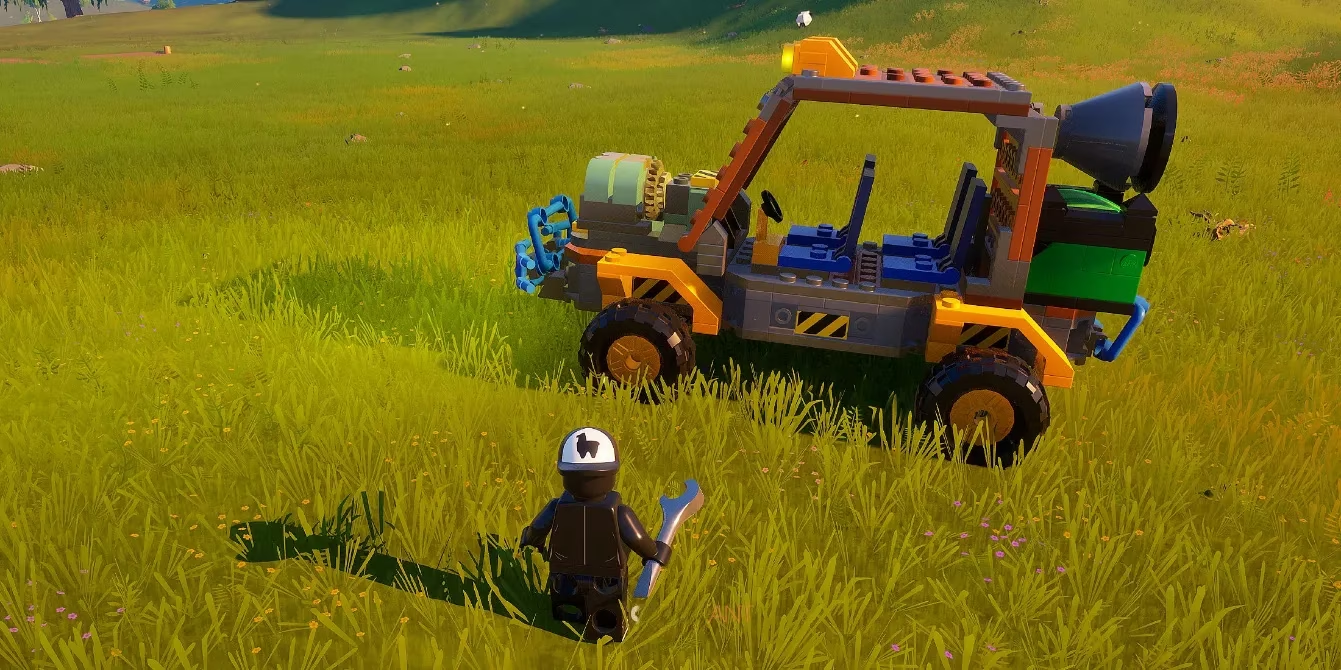
First things first: you'll find both wheel types in the Build Menu. Just navigate to the Toys section under the Controls tab. Easy peasy. There are six different wheel variants in total, and while they all require similar resources, the amount you need depends on the size of the wheel. So if you're going big, expect to grind a bit more for materials.
Here's a quick breakdown of what you need to know:
| Wheel Type | Where to Craft | Key Resources | Notes |
|---|---|---|---|
| Steerable Wheels | Build Menu > Toys > Controls | Common materials (quantity varies by size) | Allows you to turn left or right |
| Powered Wheels | Build Menu > Toys > Controls | Common materials (quantity varies by size) | Provides forward/backward motion |
Once you've got your materials, you can place the wheels onto a suitable structure. Dynamic Foundations and Vehicle Bases are your best bet. If you're using a preset vehicle build, the game will actually guide you on where to place each component. Nice, right?
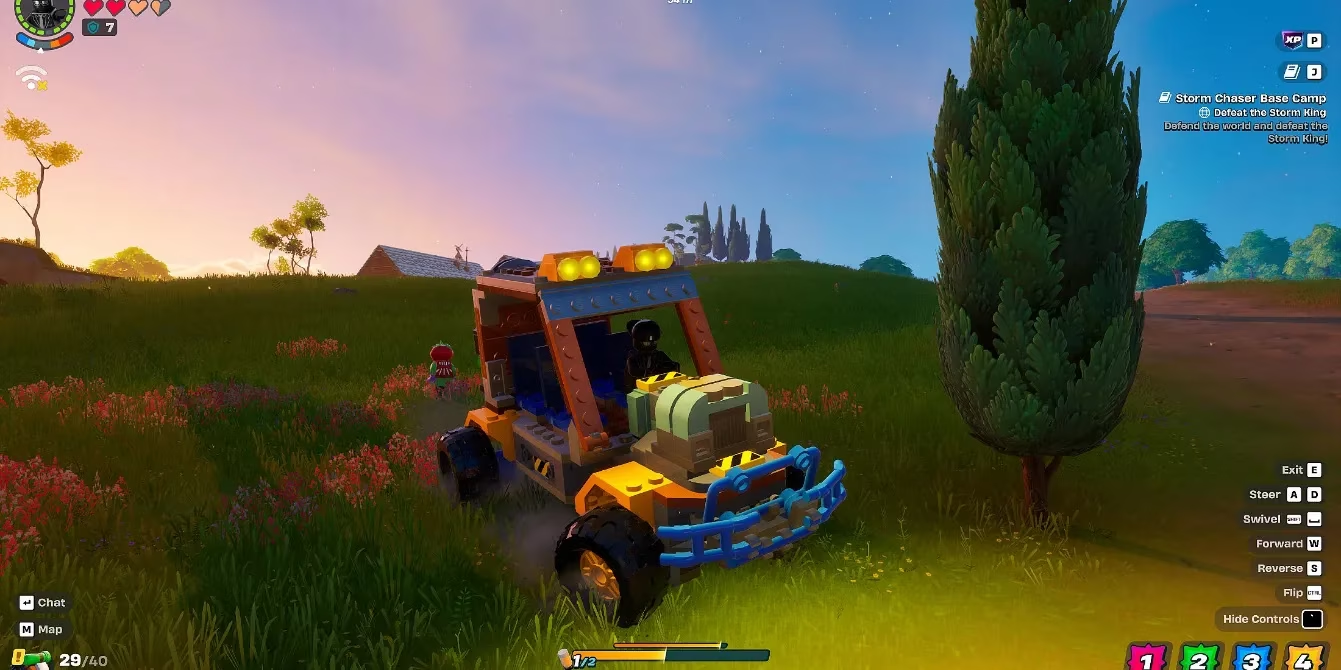
Now, here's the secret sauce: both Steerable and Powered Wheels are fantastic for building functional vehicles. When you attach them to a proper structure, you can adjust the direction each wheel spins—most folks set them to spin forward. A classic and super effective setup is two Steerable Wheels at the front and two Powered Wheels at the back. That gives you steering and power where you need it.
But hold your horses—wheels alone won't cut it. You also need two key components: a Power Center with a Power Cell installed, and a Driver's Seat. Without those, your ride is just a fancy pile of bricks. Once everything's in place, hop into the Driver's Seat and you're in control. Press forward or backward to move, and steer left or right to turn the Steerable Wheels. It's that simple.
Let me give you a step-by-step rundown so you don't miss a beat:
-
🔨 Gather the required materials (check the Build Menu for exact amounts).
-
🛞 Craft your Steerable and Powered Wheels under Toys > Controls.
-
🏗️ Place them on a Dynamic Foundation or Vehicle Base.
-
⚡ Add a Power Center and insert a Power Cell.
-
🪑 Attach a Driver's Seat.
-
🔄 Adjust each wheel's spin direction (forward is your friend).
-
🚗 Hop in and drive!
I've built a few cars myself, and I can tell you that the first time you take your creation for a spin, it's pure magic. Whether you're racing across the map or just showing off to friends, these wheels are a game-changer. And don't forget: you can mix and match sizes for different handling. Bigger wheels might give you better off-road chops, while smaller ones are zippier.
As of 2026, LEGO Fortnite Odyssey is still pumping out updates and the community is as creative as ever. So don't be shy—experiment with different wheel configurations. Maybe a six-wheel monster truck? Go for it. The sandbox is your oyster.
One more thing: always double-check that your Power Center has a Power Cell. I can't tell you how many times I've forgotten that and ended up with a very expensive paperweight. 😅
So there you have it. Get those Steerable and Powered Wheels, slap them on a base, and you'll be cruising in no time. Just remember: no Power Cell, no party. Now go build something awesome, and I'll see you on the road!